 AQUILA ONE LABS
TRANSITIONGUARD · HELP
How to complete a cleanout checklist
Work through the guided steps until the cleanout is verified.
Before you start
- A cleanout started in TransitionGuard
Steps
- Open the verification checklist for your cleanout.
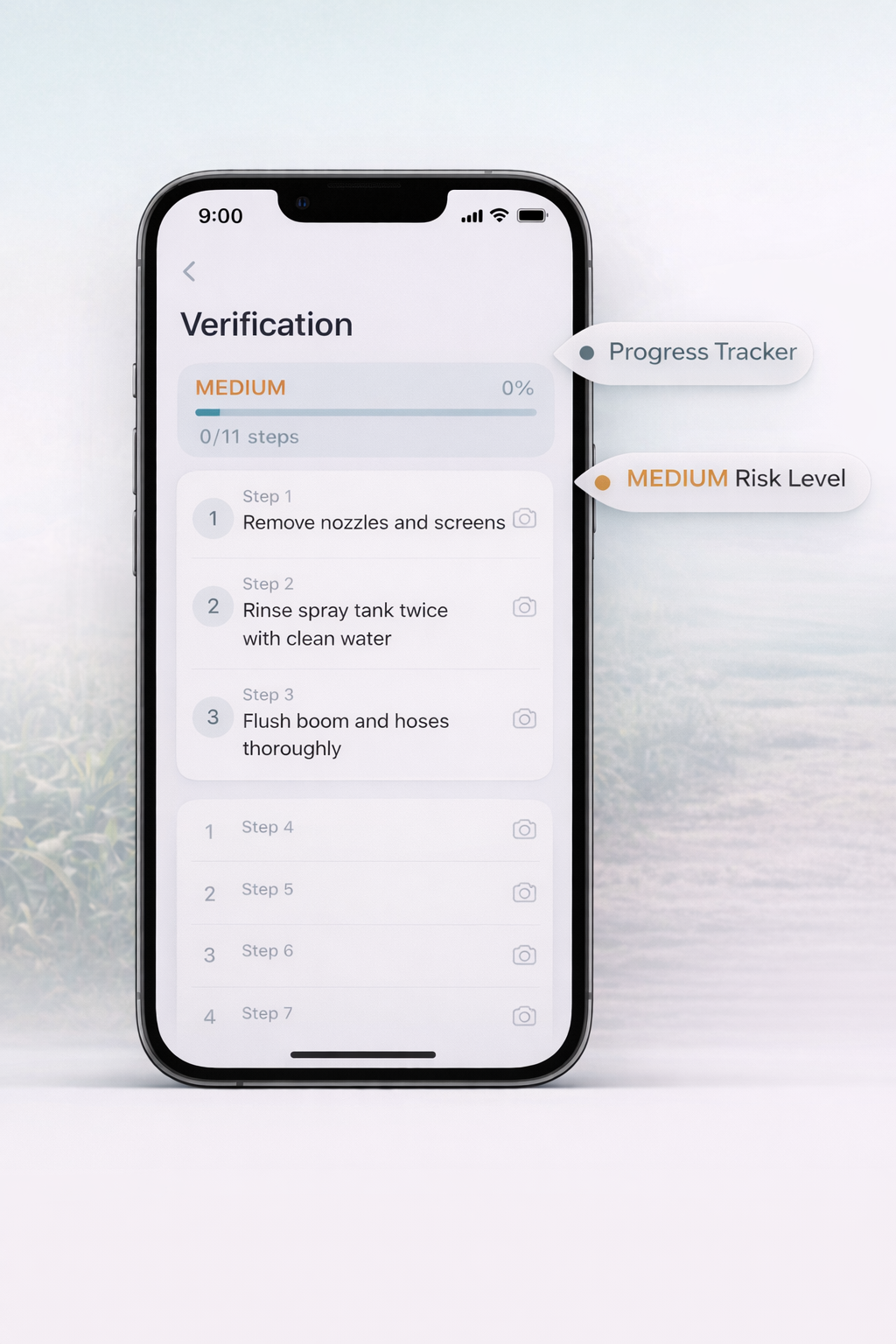
- Work through each step in order. The progress tracker and risk level indicator stay visible.
- Keep going until every step is complete.
What you should see
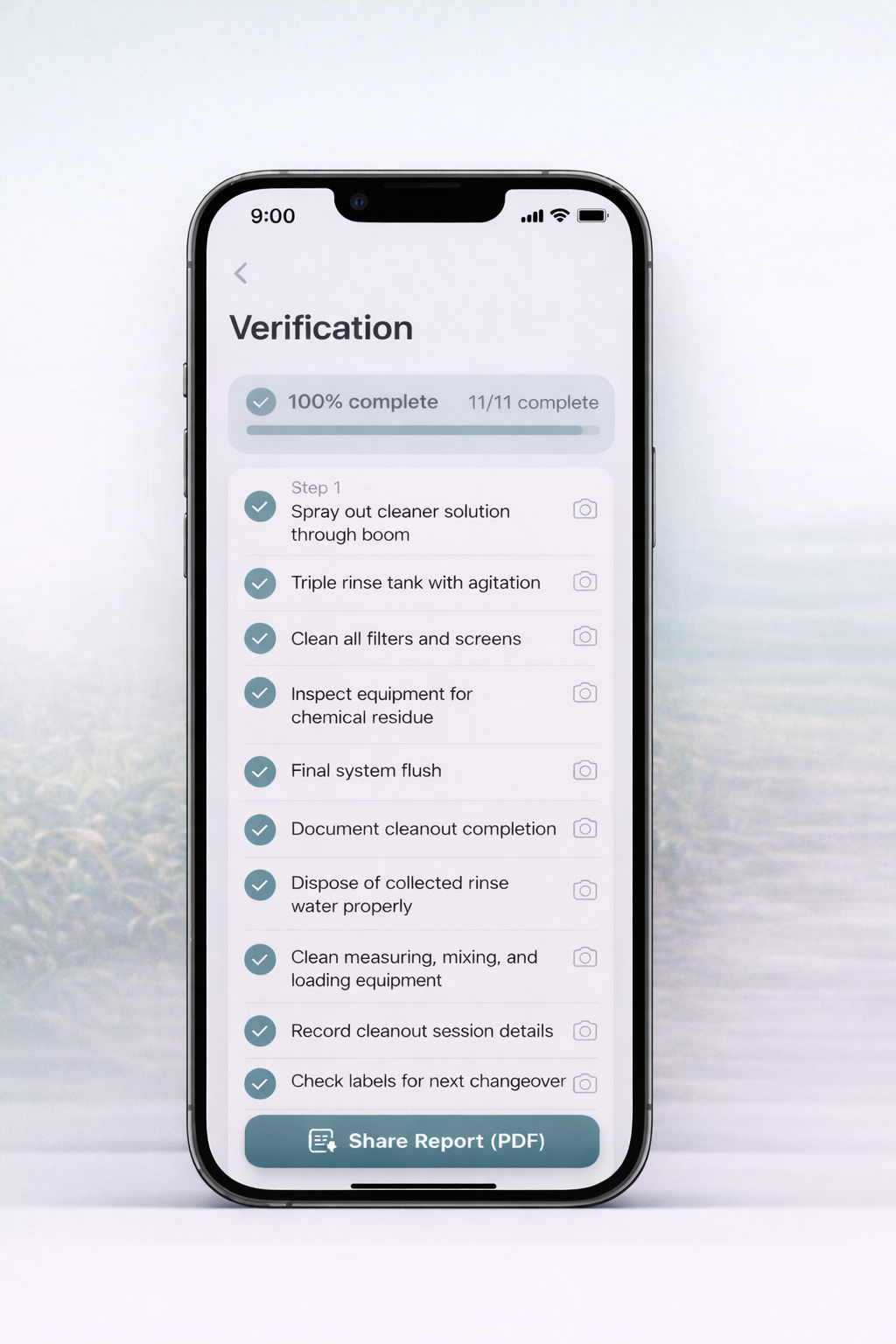
Progress reaches 100% and the cleanout is verified and ready to document.
If something doesn’t work
- If a step cannot be completed, do not skip it. Follow your product label and ask a qualified advisor.
- If the risk level is high, check the label and ask a qualified advisor before you continue.
Related features
Still stuck? Contact us.