 AQUILA ONE LABS
TRANSITIONGUARD · HELP
How to export a cleanout record
Share a PDF report of a completed cleanout.
Before you start
- A completed cleanout session
Steps
- Finish the checklist so the session shows as complete.
- Open the session summary.
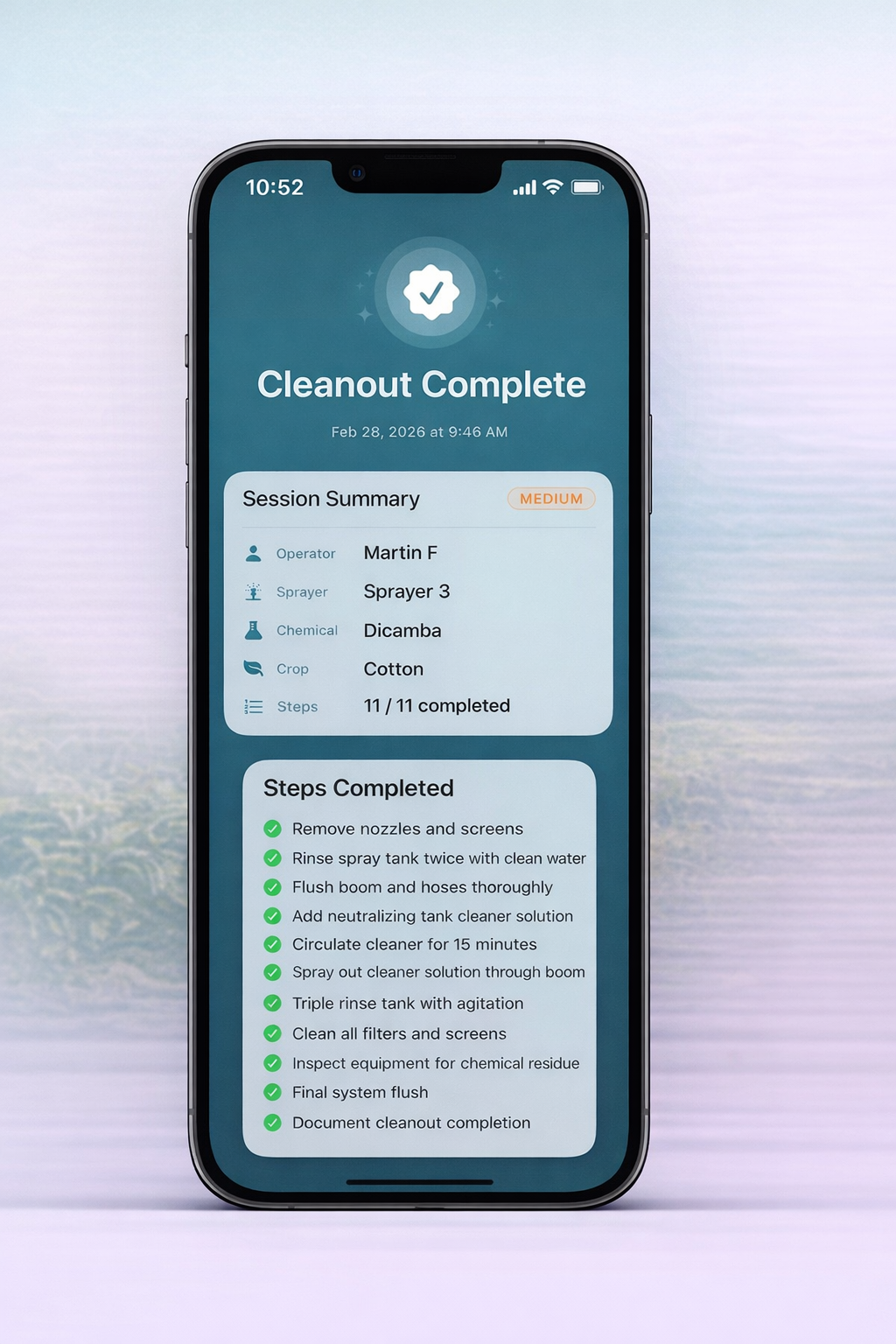
- Generate and share the PDF report.
What you should see
You have a shareable PDF with the operator, sprayer, chemical, crop, risk level, timestamp and completed steps.
If something doesn’t work
- Button names can change between app versions. If you cannot find the export option, contact us.
Related features
Still stuck? Contact us.