 AQUILA ONE LABS
TRANSITIONGUARD · HELP
How to start a cleanout
Choose your sprayer, chemical and next crop to generate a cleanout protocol.
Before you start
- The TransitionGuard app on your iPhone
- The sprayer, the chemical you used and the crop you are switching to
Steps
- Open TransitionGuard.
- Choose your sprayer, the chemical you used and the crop you are switching to.
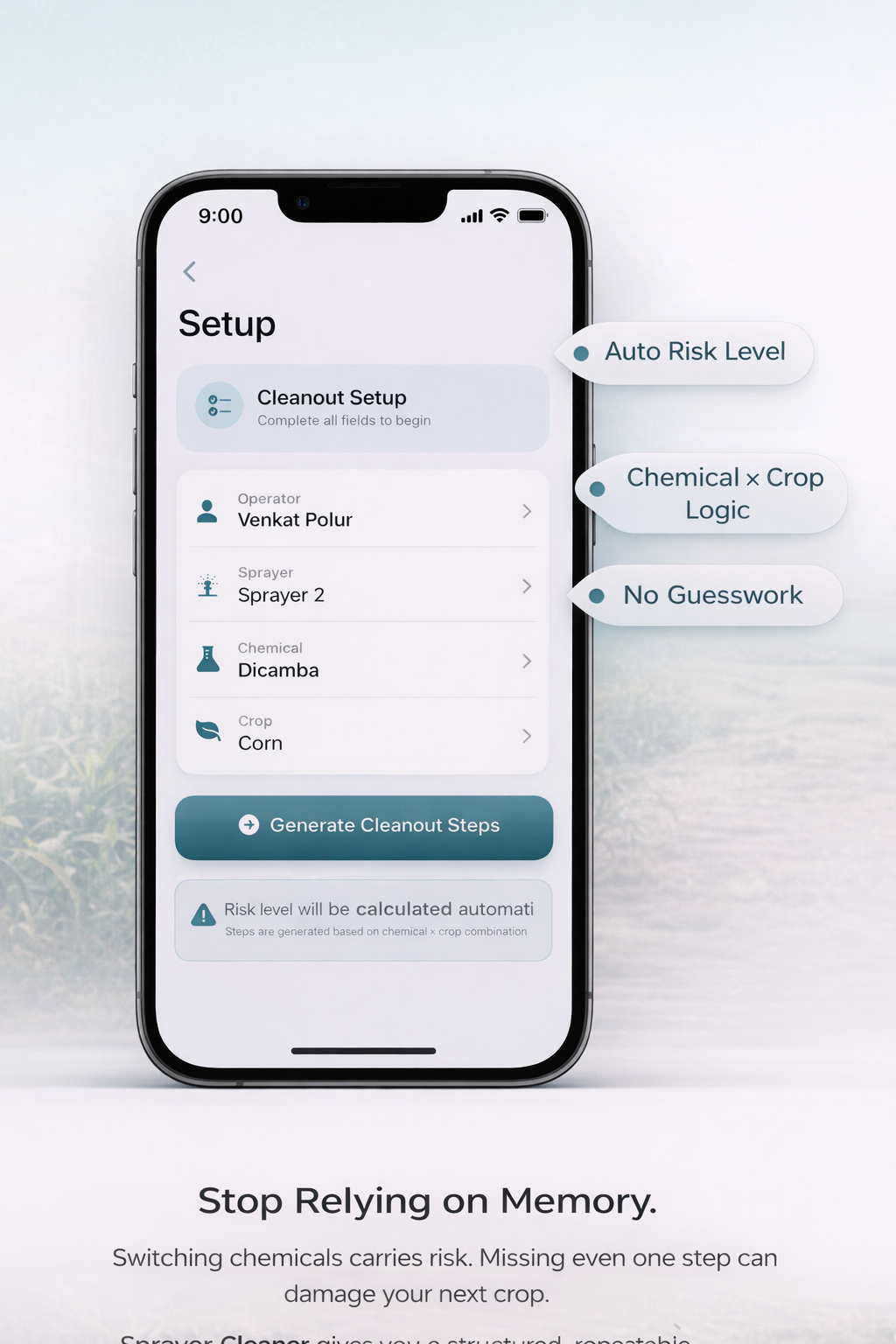
- Let the app calculate the risk level for that transition and generate the cleanout protocol.
- Review the protocol, then start the checklist.
What you should see
You have a risk level and a cleanout protocol for your transition, ready to follow.
If something doesn’t work
- If a screen or button looks different from this guide, the app may have been updated. Contact us and we will correct the guide.
Related features
Still stuck? Contact us.