 AQUILA ONE LABS
TRANSITIONGUARD · HELP
How to read a risk level and when to stop
What the risk level on a cleanout means for how carefully to work, and when to check the label.
Before you start
- A cleanout started in TransitionGuard
Steps
- Start a cleanout and look at the risk level shown for your chemical and crop transition.
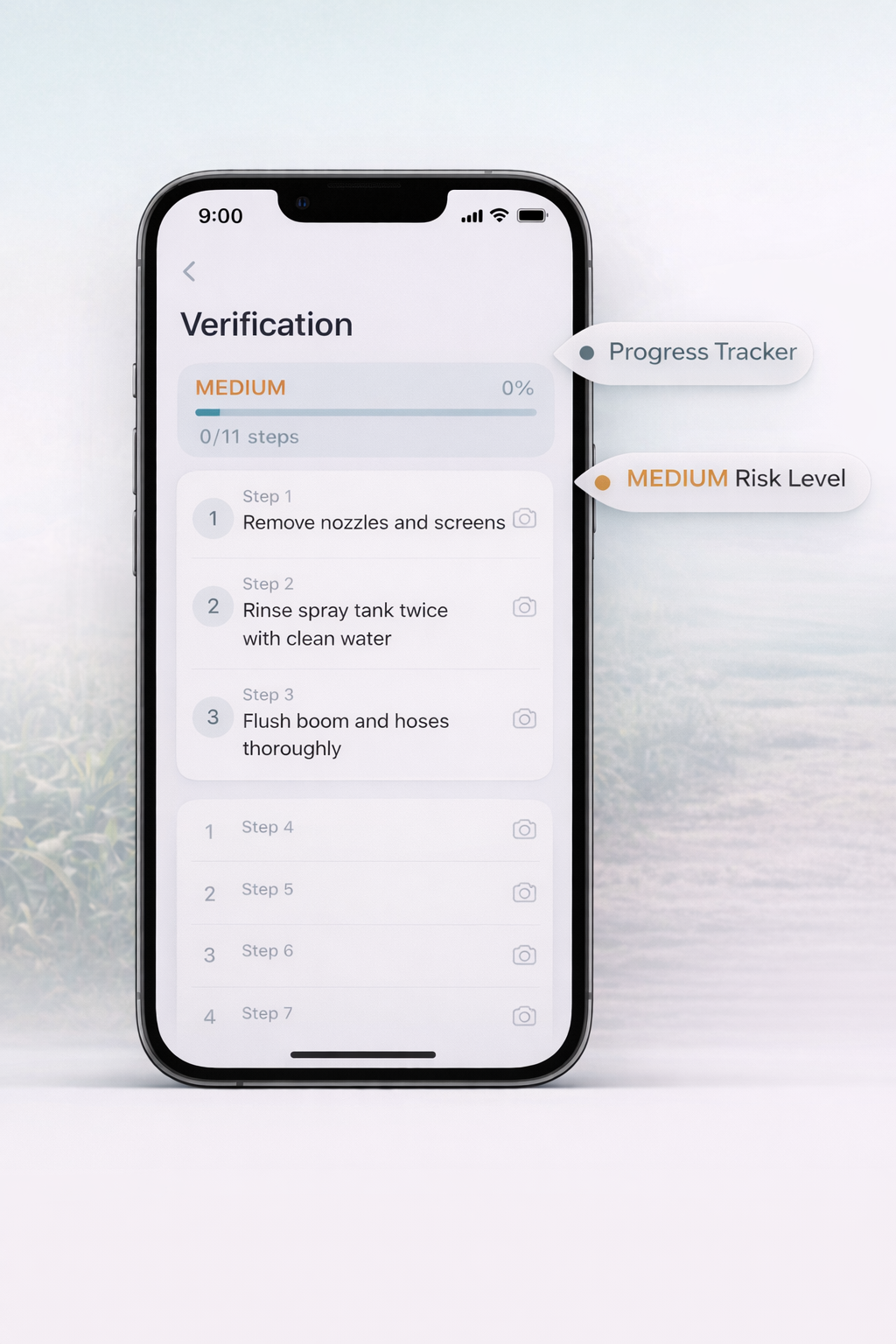
- Use the risk level to decide how carefully to work. Lower-risk transitions still need a complete process. Higher-risk transitions need the most careful execution and no skipped steps.
- If the risk level is high, or a step does not match what you are doing, stop and check the product label before you continue.
- If you are still unsure, ask a qualified advisor.
What you should see
You know how strictly to follow the checklist, and when to pause and check the label.
If something doesn’t work
- The risk level is guidance. The product label, your equipment documentation and local regulations come first.
Related features
Still stuck? Contact us.