 AQUILA ONE LABS
NUVOSHI WEALTH · HELP
How to fix a transaction category
Move a transaction to another category, or leave it out of your budget.
Before you start
- At least one account with transactions
Steps
- Open the transaction under More > Transactions.
- Choose Change Category to move it, or Exclude from Budget to leave it out of your spending totals.
- To count it again later, include it in your budget again.
What you should see
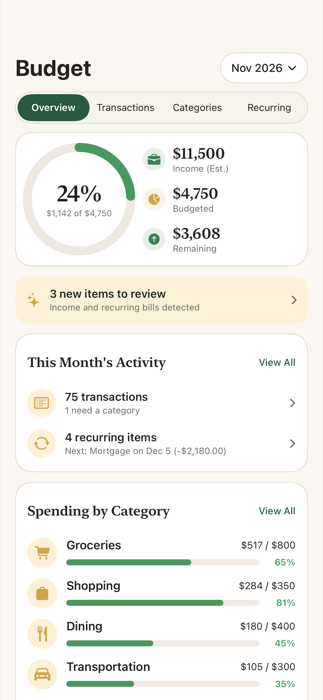
Your budget totals reflect the category you chose, or leave the transaction out.
If something doesn’t work
- You can include an excluded transaction again at any time.
Related features
Still stuck? Contact us.