 AQUILA ONE LABS
NUVOSHI WEALTH · FEATURE
Read-only bank connections
Connect through Plaid, or add accounts by hand.
Who it is for: Individuals and households.
Connect through Plaid, or add accounts by hand. You sign in on your bank’s own page. Access is read-only, and Nuvoshi never stores your bank username or password.
How it works
- Choose Connect Bank and sign in on your bank’s own page.
- Accounts appear in the app with their balances.
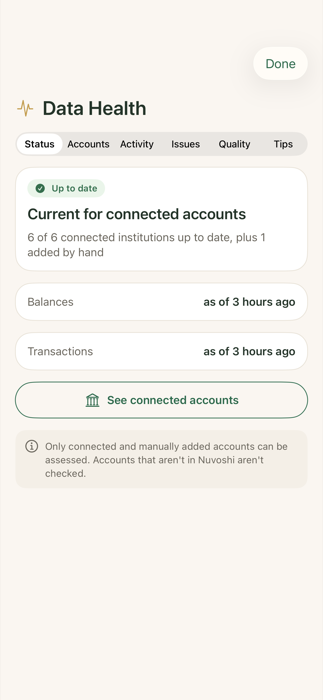
- Reconnect from Connected Accounts & Data Health if a connection needs attention.
Limits
- Nuvoshi cannot move money, pay a bill or contact your bank for you.
Related help
Next step
See how Nuvoshi Wealth works from start to finish, or get help. Questions about this feature? Contact support.