 AQUILA ONE LABS
NUVOSHI WEALTH · HELP
How to connect or reconnect a bank
Add a bank through Plaid, or fix a connection that needs attention.
Before you start
- The Nuvoshi Wealth app on your iPhone
- Your bank sign-in details (entered on your bank’s own page, never in Nuvoshi)
Steps
- Open the Net Worth tab, then tap Add.
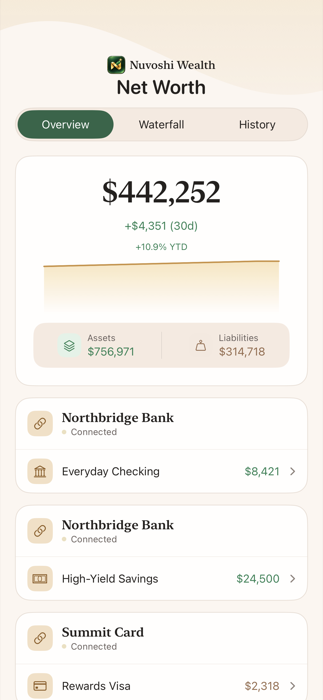
- Tap Connect Bank.
- Sign in on your bank’s own page through Plaid.
- To fix a connection that needs attention, open More > Connected Accounts & Data Health and tap Reconnect on that issue.
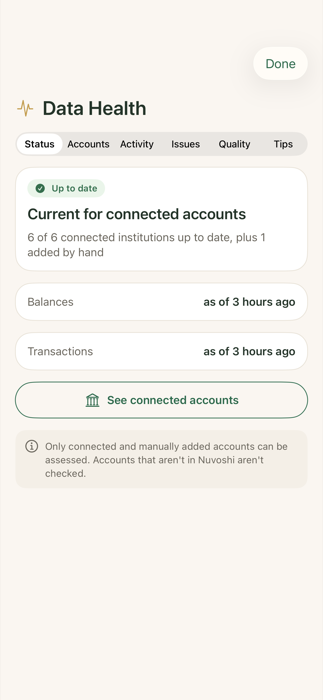
What you should see
Your accounts appear in Nuvoshi with their balances.
If something doesn’t work
- If a bank still won’t connect, email hello@aquilaonelabs.com with the bank’s name and what you see. Please don’t send passwords or full account numbers.
Related features
Still stuck? Contact us.