 AQUILA ONE LABS
NUVOSHI WEALTH · FEATURE
Net worth at a glance
Assets, liabilities and a trend line in one view.
Who it is for: Individuals and households.
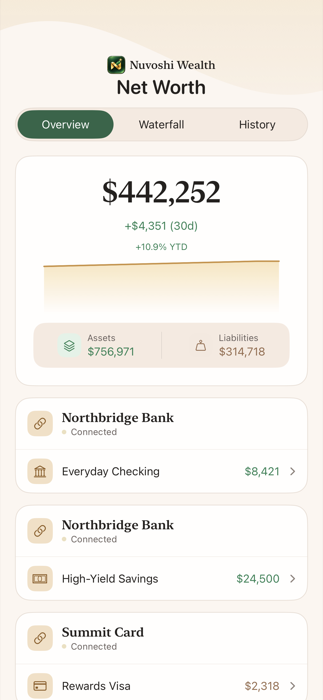
See where you stand: assets, liabilities and a trend line, with accounts grouped by bank and a balance history for each one.
How it works
- Add accounts by connecting a bank or entering them by hand.
- Open the Net Worth tab to see assets, liabilities and the trend.
- Open an account to see its balance history.
Limits
- Figures are estimates for information only and are not financial advice.
Related help
Next step
See how Nuvoshi Wealth works from start to finish, or get help. Questions about this feature? Contact support.